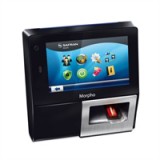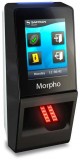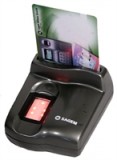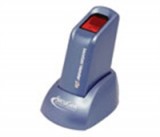




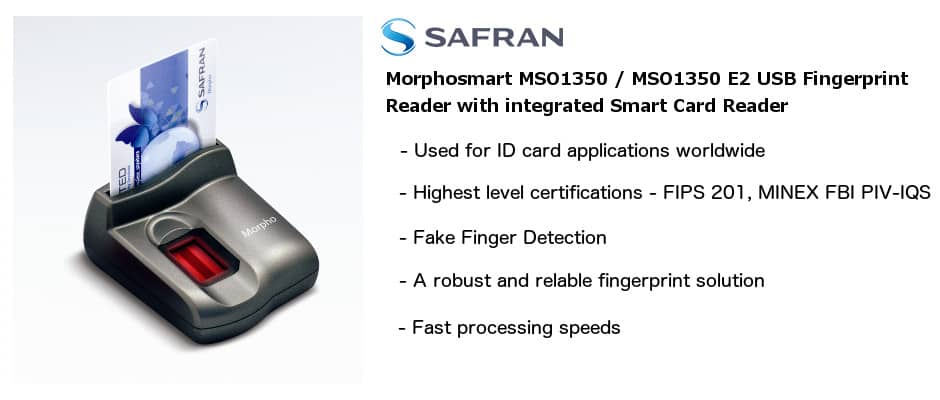


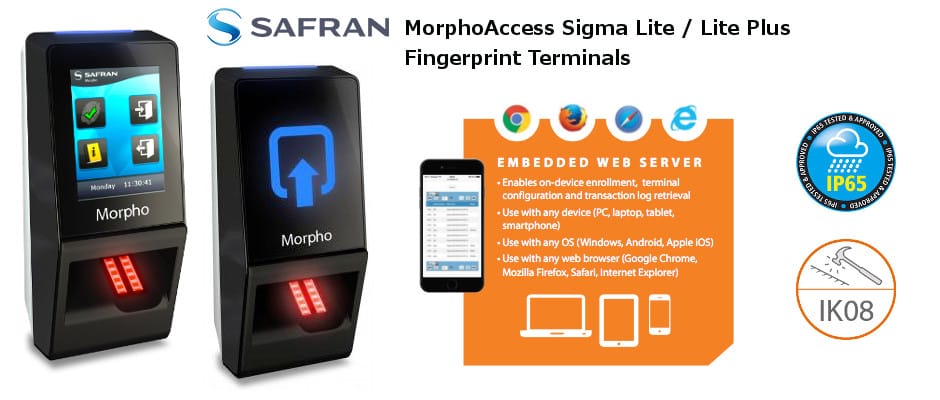

Fingerprint
Biometric
Authentication Via
the Internet
One
of the major problems with the
authentication of users via
the internet is the inherent
lack of security of traditional
authentication techniques, passwords
PIN numbers and cookies. With
the current development of the
biometric fingerprint technology
market, the possibility of identifying
someone online has been addressed.
Our fingerprint biometric authentication
system is one of the solutions
to come out of recent developments.
The fingerprint biometric authentication
system allows for a web page
to include a validation check
using objects embedded in the
web page which call on an interface
to a fingerprint reader attached
to the client computer which
returns a coded fingerprint
to the server where it is then
validated.
Potential
Applications
BioWeb
is best suited for web environments
where you can determine the
hardware configuration at each
client's machine. This is because
a biometric fingerprint reader
is required on the client side.
The following are examples of
such an application:
Intranets - All
critical areas of an intranet
could be protected using fingerprint biometric authentication,
these could include HR/Payroll
applications, Timesheet and
Attendance systems, Control
Panel applications and many
more.
Extranets
- Limitations
could be placed on extranet
transactions such as share deals
via the authentication of the
fingerprint of each user. A
time-out and revalidation system,
integrated into our fingerprint
authentication system can prevent
logged in machines being hijacked
while the user is away from
their desk.
B2C
Applications - B2C
Applications such as online
banking could be made significantly
more secure if users are validated
biometrically using their fingerprint
when they log in.
The Process
The
process of fingerprint authentication
over the web from the users
point of view is as follows:
1.
The client uses his/her web
browser to navigate to a page
on the secured server. If they
are not logged in they will
be redirected to the Login Page.
On the login page is an HTML
form with fields that prompt
for his user ID, and an area
for the fingerprint display
(displayed by an Active X control
which is embedded in the page).
2.
The client fills in his user
ID, and , places his finger
on the fingerprint reader. An
image of the scanned fingerprint
is displayed on the login page.
3.
The user submits the login page
to the server for biometric authentication
of the fingerprint.
4.
The web server (Microsoft Internet
Information Server - IIS) receives
the login ID and encoded fingerprint
data.
5.
IIS passes on the user ID and
fingerprint data to a server-side
authentication application.
6.
The biometic authentication application
fetches the user's fingerprint
data, obtained previously during
the fingerprint registration
process, from a registration
database (ODBC compliant data
source) and compares it with
the supplied fingerprint scan
data from the login page.
7.
The success/failure result,
along with user-specific data
(such as authorisation level)
in the event of a successful
fingerprint login attempt, is
passed back to the ASP script
currently running in IIS.
8.
Based on the result, the ASP
script either redirects the
user either to a page reporting
the failed login attempt, or
to a page with the appropriate
functionality for the user's
authorisation level as returned
from the database.
Security
Hardware
and Software Requirements